
Data Center CFD Modeling: A Complete Project Guide to Thermal Simulation
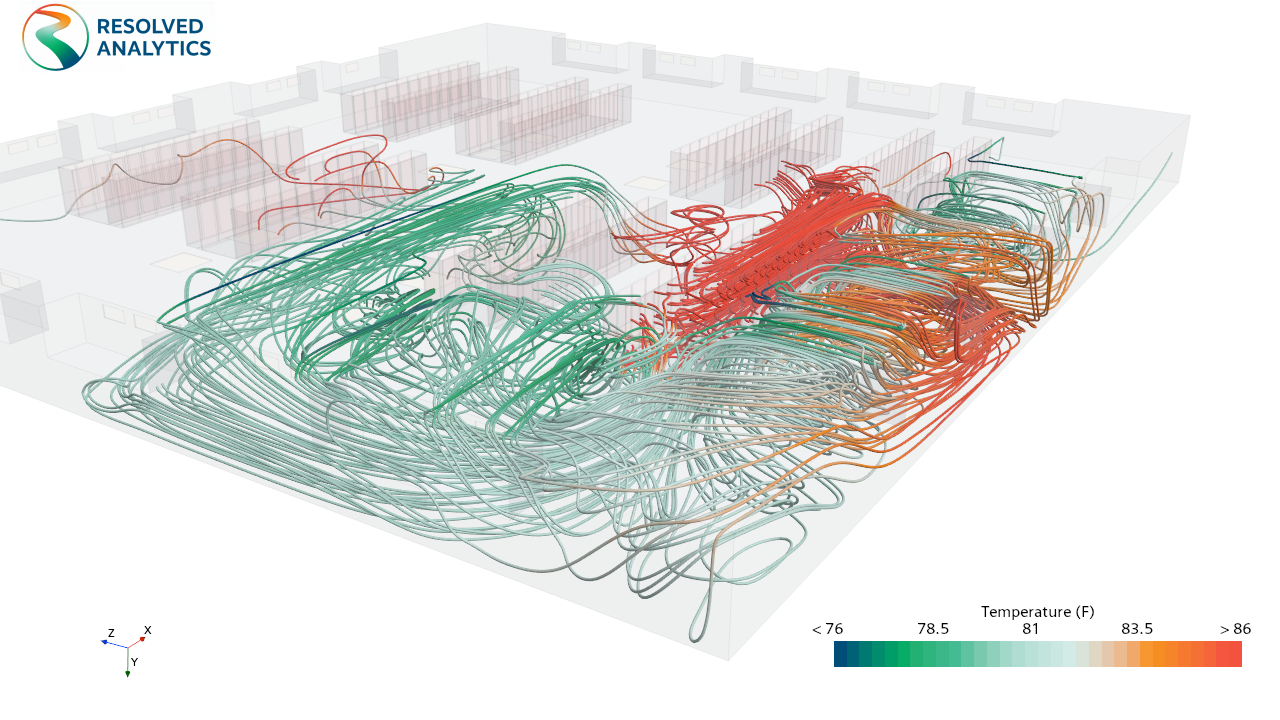
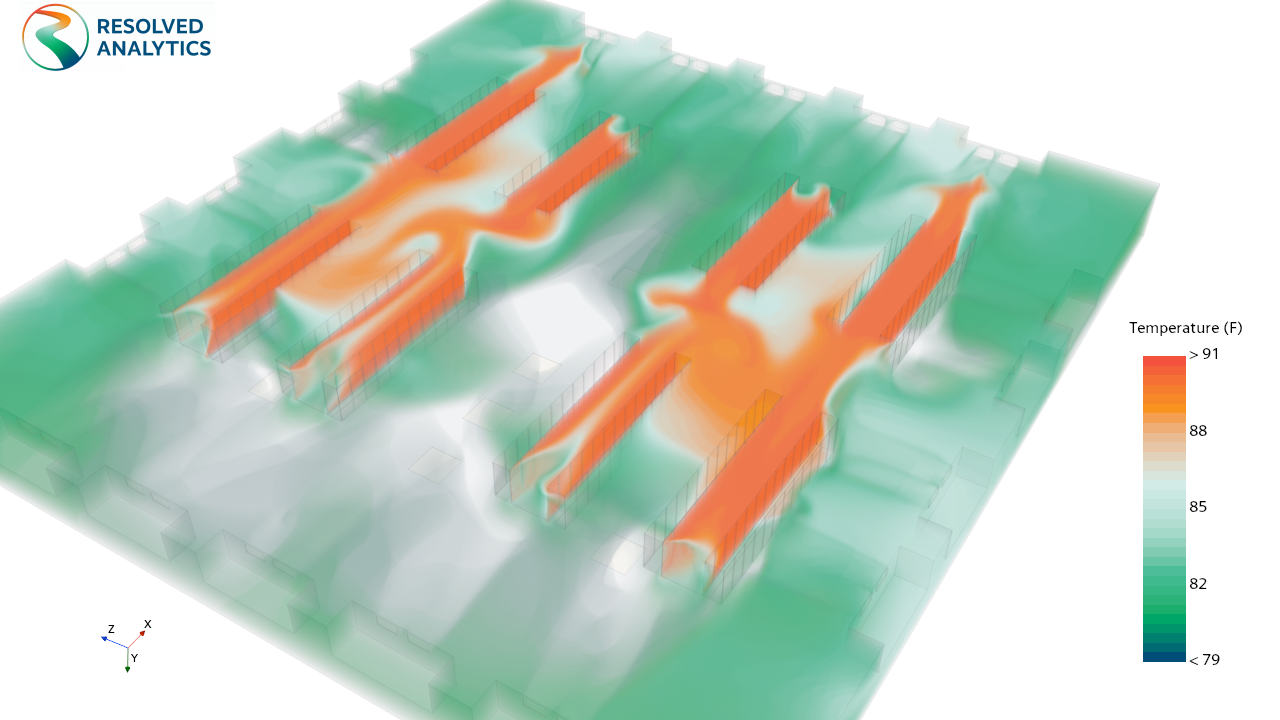
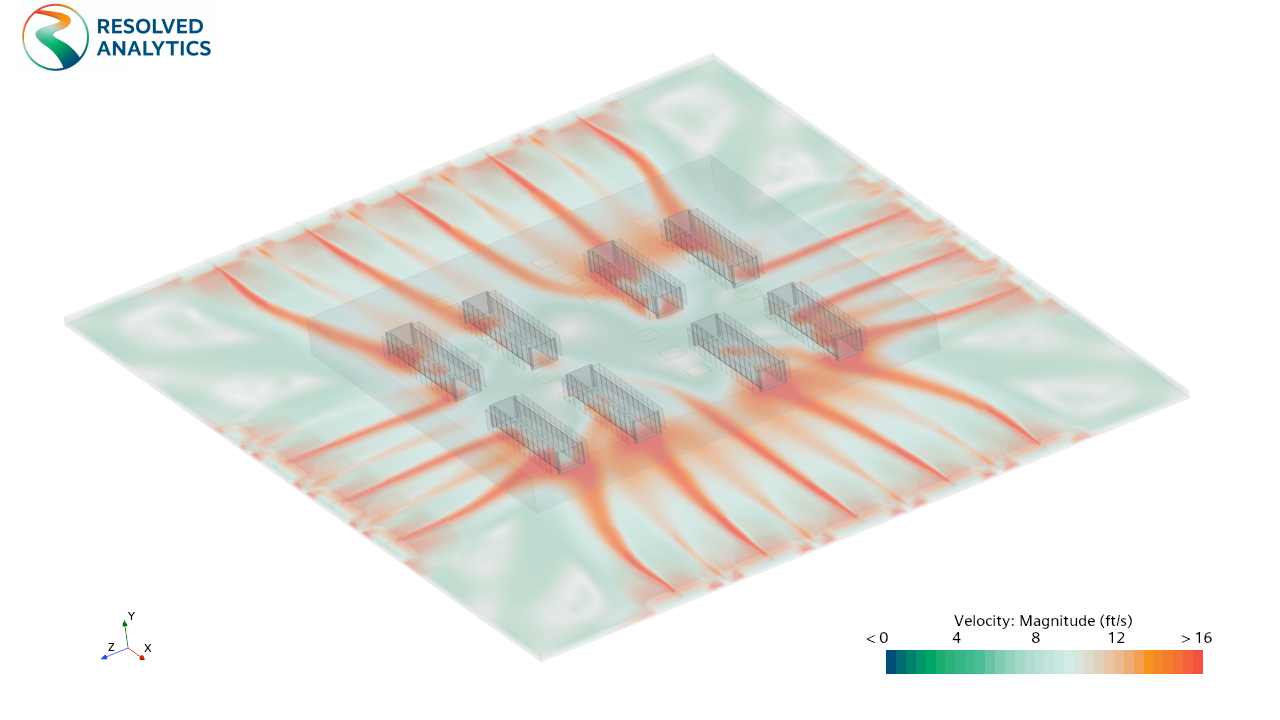
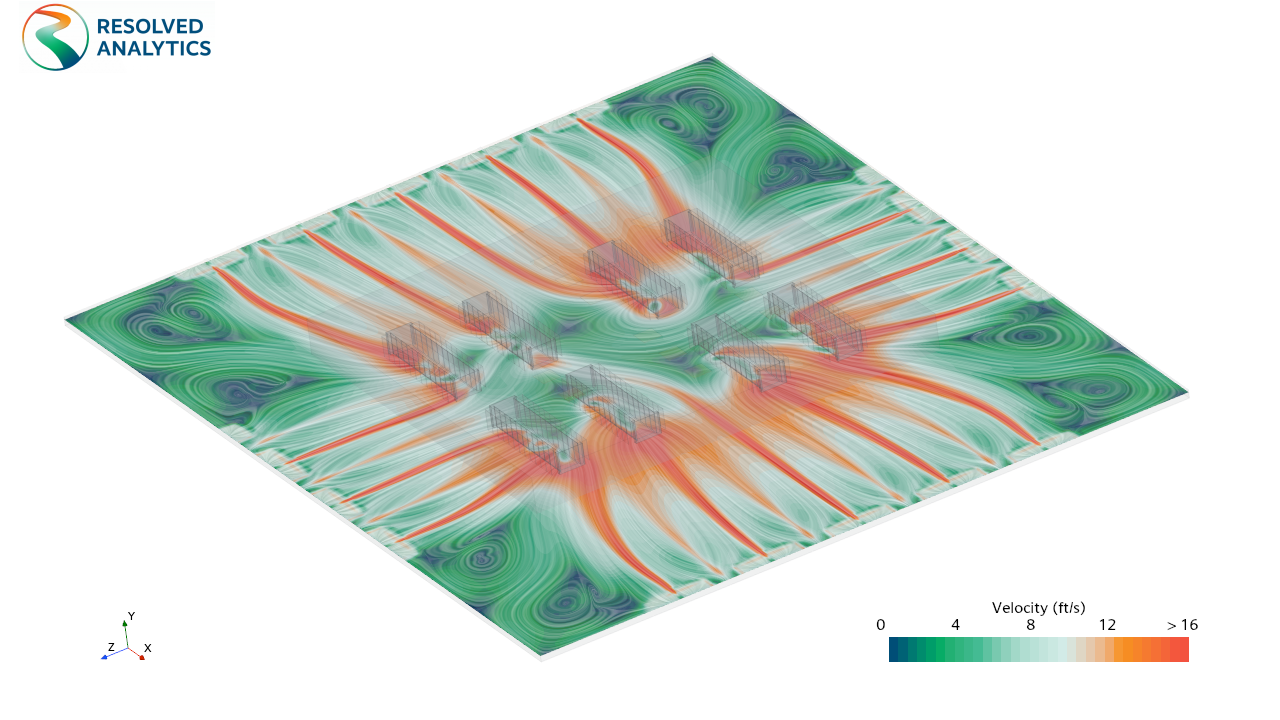
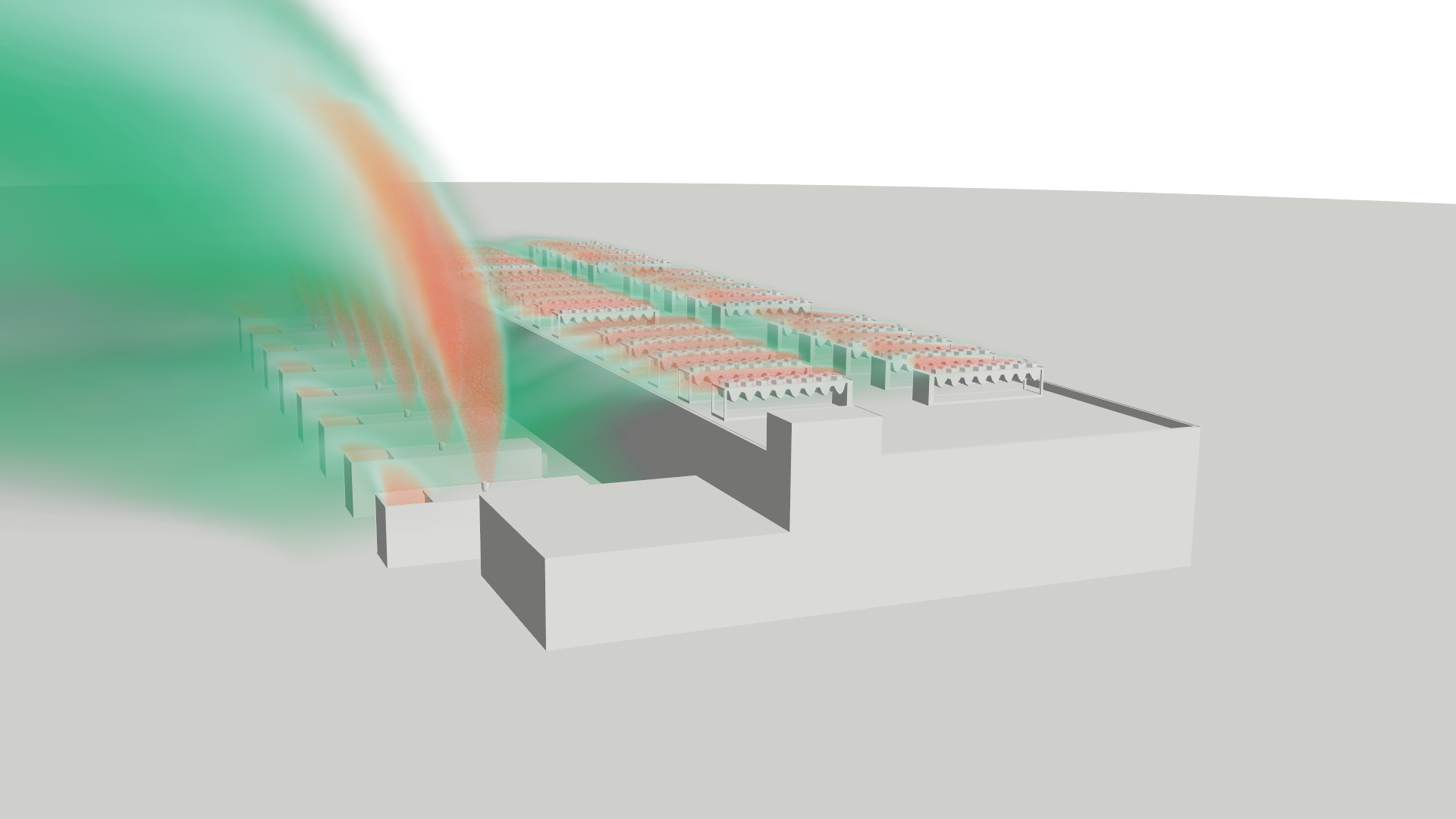
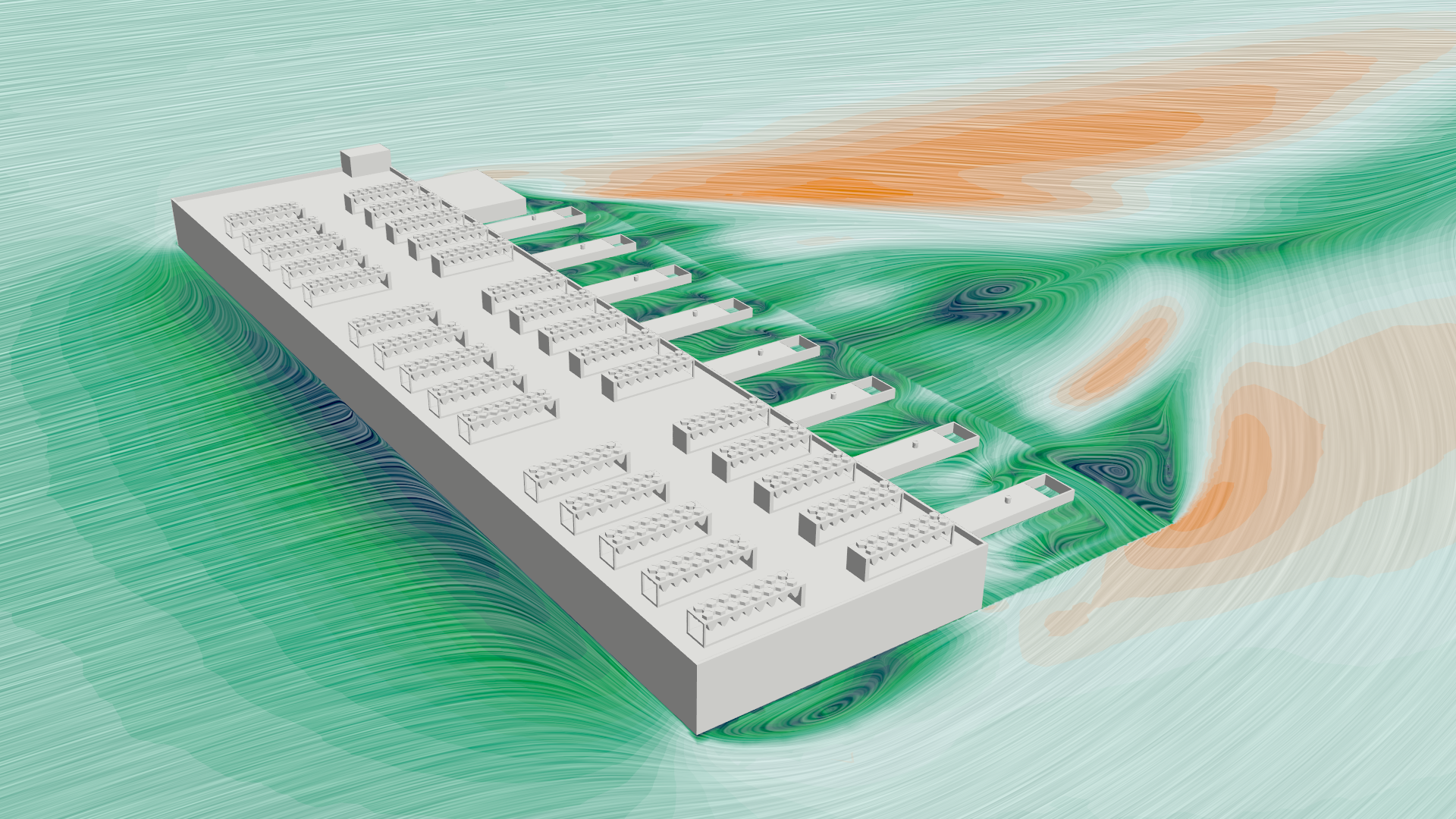
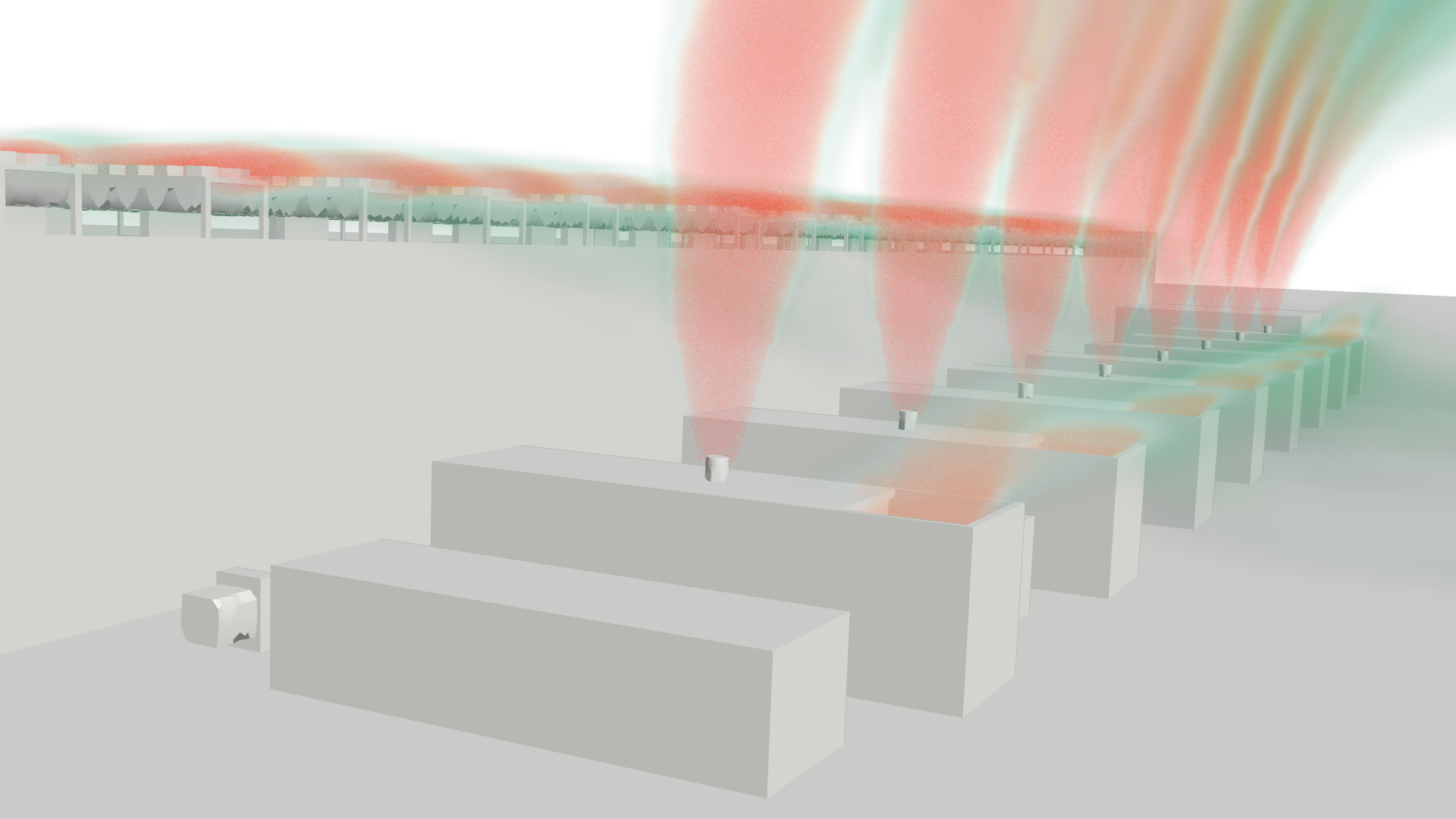
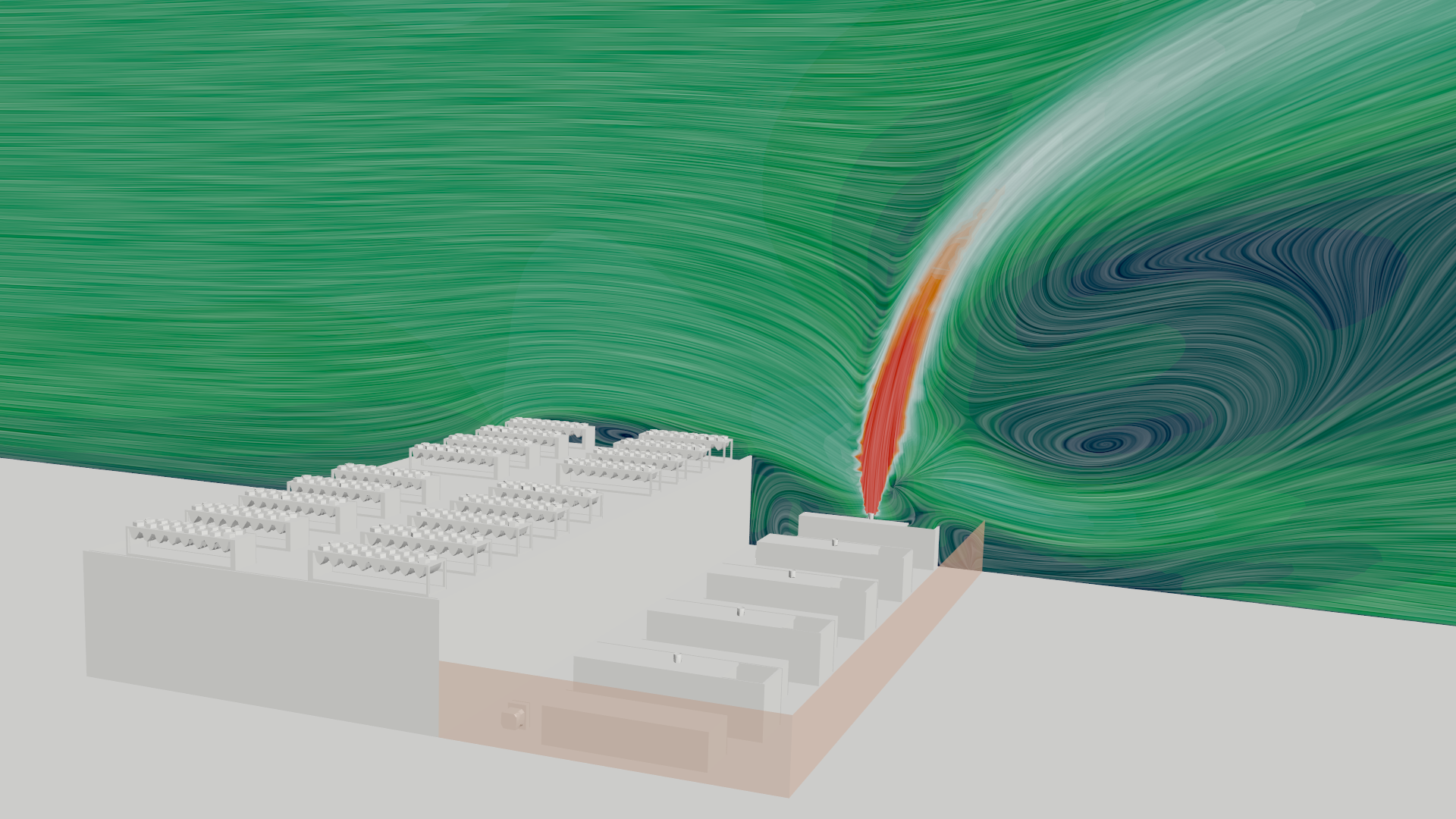
Data center CFD (Computational Fluid Dynamics) modeling is a numerical simulation method used to predict airflow patterns, temperature distributions, and cooling system performance within data center facilities. CFD models enable facility managers and design engineers to identify thermal hot spots, evaluate containment strategies, optimize Computer Room Air Handler (CRAH) placement, and predict Power Usage Effectiveness (PUE) improvements before committing to physical infrastructure changes.
What Is Data Center CFD and Why Does It Matter?
Data center operators face a fundamental challenge: IT equipment generates heat that must be removed efficiently to prevent hardware failure and maintain uptime. As rack power densities increase — driven by AI/ML workloads and high-performance computing — traditional rule-of-thumb cooling designs increasingly fail to prevent localized overheating.
CFD modeling solves this by simulating the three-dimensional airflow and heat transfer within a data center room or zone. A validated CFD model can predict:
Hot spot locations — areas where server inlet temperatures exceed ASHRAE recommended limits, even when total cooling capacity appears adequate
Containment effectiveness — how well hot aisle/cold aisle containment strategies prevent recirculation and bypass airflow
Cooling system optimization — the impact of CRAH unit placement, raised floor tile configuration, and blanking panel installation on overall thermal performance
Capacity planning — whether existing cooling infrastructure can support planned increases in IT load without causing thermal failures
PUE improvement — quantified energy savings from proposed cooling modifications, typically measured as the ratio of total facility power to IT equipment power
What Software Is Used for Data Center CFD?
Data center CFD software falls into two categories: purpose-built tools and general-purpose CFD platforms.
Purpose-Built Data Center Tools:
Cadence Reality DC (Formerly 6SigmaET / Future Facilities) — specialized for data center thermal modeling with built-in equipment libraries and simplified setup workflows. Best for standard raised-floor data center layouts with conventional cooling.
TileFlow — focused specifically on raised-floor plenum modeling and perforated tile airflow prediction. Useful for targeted tile layout optimization.
CoolSim — data center-specific CFD with automated meshing and reporting. Designed for rapid facility assessments.
General-Purpose CFD Platforms:
Siemens STAR-CCM+ — full multiphysics platform capable of modeling complex geometries, transient scenarios, liquid cooling loops, conjugate heat transfer, and custom physics. Required for non-standard configurations, liquid-to-liquid cooling, or multi-domain thermal analysis.
ANSYS Fluent — established general-purpose CFD solver with broad physics capabilities.
OpenFOAM — open-source CFD framework with zero licensing cost but significant user expertise requirements.
When to use which:
Purpose-built tools are sufficient for standard air-cooled data centers with raised floors and conventional CRAH configurations. General-purpose platforms become necessary when the problem involves liquid cooling loops, non-standard geometries, transient failure scenarios, or coupling between the data center and external systems (such as rooftop chillers or cooling towers).
What Data Do You Need Before Starting a Data Center CFD Model?
The accuracy of any data center CFD model depends entirely on the quality of the input data. Before starting, collect the following:
Facility Geometry:
Room dimensions, ceiling height, and raised floor height (if applicable)
Column locations and any structural obstructions
Row orientation and aisle widths
Door, wall, and partition locations
IT Equipment:
Rack locations and dimensions
Per-rack power consumption (measured, not nameplate — nameplate ratings often overstate actual heat dissipation by 30-50%)
Server airflow direction (front-to-back is standard, but verify)
Rack-level containment details (blanking panels, brush strips, containment curtains)
Cooling Infrastructure:
CRAH/CRAC unit locations, capacities, and supply air temperatures
Raised floor tile layout — perforated tile locations, open cable cutouts, and solid tile placement
Supply and return plenum configuration
Chilled water supply temperature and flow rates (if modeling the cooling plant)
Containment:
Hot aisle or cold aisle containment type and coverage
Gaps, leaks, or missing panels in containment structures
Above-ceiling return plenum details (if applicable)
Operating Conditions:
Ambient temperature ranges (design day and typical operating conditions)
Target server inlet temperature range (typically 18-27 degrees C per ASHRAE A1 guidelines)
Cooling system operating mode (variable speed fans, economizer operation, etc.)
Missing or inaccurate input data is the single most common cause of CFD model failure in data center applications. Budget time for a thorough site survey or coordination with the facilities team before model setup.
How to Scope a Data Center CFD Project
Before building the model, define the project scope using a structured planning framework. The following questions — adapted from Resolved Analytics' Innovator's Inquiry pre-project checklist — ensure the simulation is aligned with the actual business decision:
Define the Business Question:
Are you evaluating whether existing cooling can support a planned IT load increase?
Are you comparing specific containment retrofit options?
Are you trying to identify the root cause of an existing hot spot problem?
Are you quantifying PUE improvement to justify a capital expenditure?
Define the Success Criterion:
What is the specific, measurable pass/fail threshold? (e.g., "All server inlet temperatures must remain below 27 degrees C under the proposed rack layout" or "The proposed modification must reduce PUE by at least 0.05")
What level of accuracy is required for this decision — directional guidance, or precise numerical predictions?
Define the Scope Boundaries:
Are you modeling a single row, a single room, or the entire facility?
Does the model need to include the underfloor plenum, the above-ceiling return path, or both?
Are transient scenarios required (e.g., cooling failure), or is steady-state sufficient?
Does the model need to include the chilled water plant or only the room-level airflow?
Define the Deliverable:
Who is the audience — facilities engineers, IT operations, or executive stakeholders?
What format is most useful — temperature contour maps, rack-level heat maps, a decision comparison matrix, or a PUE projection?
How to Set Up a Data Center CFD Simulation
A typical data center CFD workflow includes five phases:
1. Geometry Preparation
Build or import the 3D facility geometry including racks, CRAH units, containment structures, raised floor (if applicable), and any significant obstructions. Simplify details that do not meaningfully affect airflow (cable routing, small fixtures) while preserving geometries that do (tile locations, blanking panels, containment gaps).
2. Mesh Generation
Create the computational mesh — the grid of discrete cells where the CFD equations are solved. Data center models typically use polyhedral or trimmed hexahedral meshes with local refinement around perforated tiles, rack inlets/outlets, and CRAH discharge areas. Mesh quality directly affects result accuracy — too coarse a mesh misses thermal gradients, while an unnecessarily fine mesh wastes computing time.
3. Physics and Boundary Condition Setup
Assign thermal loads to each rack, define CRAH supply conditions (temperature, flow rate), specify perforated tile open areas, and set wall/ceiling/floor thermal properties. Select appropriate turbulence models — standard k-epsilon or realizable k-epsilon models are commonly used for data center airflow.
4. Solution and Convergence
Run the solver until residuals converge and Quantities of Interest (server inlet temperatures, CRAH return temperatures, total heat removal) stabilize. Monitor mass and energy conservation to confirm the model is physically consistent.
5. Post-Processing and Validation
Extract results at server inlet planes, create temperature contour visualizations, and compare predictions against available measurement data. If measurement data exists, quantify the agreement and document any discrepancies.
Common Mistakes in Data Center Thermal Modeling
Based on project experience, these are the errors most frequently encountered in data center CFD work:
Using nameplate power instead of measured power. Nameplate ratings significantly overstate actual heat dissipation. A model built on nameplate values will predict artificially high temperatures and may lead to over-provisioning cooling capacity.
Ignoring leakage paths. Cable cutouts, gaps under racks, missing blanking panels, and containment door seals all allow bypass airflow that degrades cooling effectiveness. A model that assumes perfect containment will be overly optimistic.
Insufficient mesh resolution near perforated tiles. The airflow through raised floor tiles involves complex jet behavior that requires adequate local mesh refinement to capture accurately.
Modeling in steady state when the problem is transient. Cooling failure scenarios, variable IT loads, and economizer transitions are inherently time-dependent and require transient simulation to predict correctly.
No mesh sensitivity check. If the results change significantly when the mesh is refined, the original results are not reliable. This check is non-negotiable for any simulation intended to support a business decision.
No validation against measurement data. Even limited spot-check measurements at a few rack locations provide a critical reality check on model accuracy.
When to Hire a Consultant vs. Build Models In-House
The decision to build data center CFD capability internally versus hiring a consultant depends on three factors: workload frequency, problem complexity, and total cost of ownership.
Build in-house when:
You operate multiple data centers and need continuous simulation support across facilities
Your problems are predominantly standard air-cooled configurations that can be modeled with purpose-built tools (6SigmaET, TileFlow, CoolSim)
You have an engineer with CFD experience available to dedicate to thermal modeling
Your annual simulation workload justifies the software licensing cost ($15,000-$50,000+/year for commercial tools)
Hire a consultant when:
Your simulation needs are project-based or intermittent (fewer than 4-6 projects per year)
The problem involves non-standard physics — liquid cooling, transient failure analysis, facility-level optimization, or coupling to external cooling systems
You need results validated against ASHRAE standards or for regulatory/compliance purposes
The cost of an incorrect decision (over-provisioning cooling, experiencing an outage, or misallocating capital) significantly exceeds the cost of expert analysis
You need an independent, third-party assessment for due diligence or design review
The cost math:
A single data center CFD consulting engagement typically costs $8,000-$25,000 and takes 2-4 weeks. Building in-house capability requires software ($15,000-$50,000/year), hardware ($5,000-$20,000), and a dedicated engineer ($95,000+ salary with approximately 2x overhead for total cost). In-house makes financial sense only when the simulation pipeline is consistently full — typically 8+ projects per year.
For organizations in between, a co-sourcing model — where an external CFD specialist works embedded alongside your facilities team — combines external expertise with internal knowledge transfer. See the Co-Sourcing Engineering Services analysis for a detailed cost comparison.